

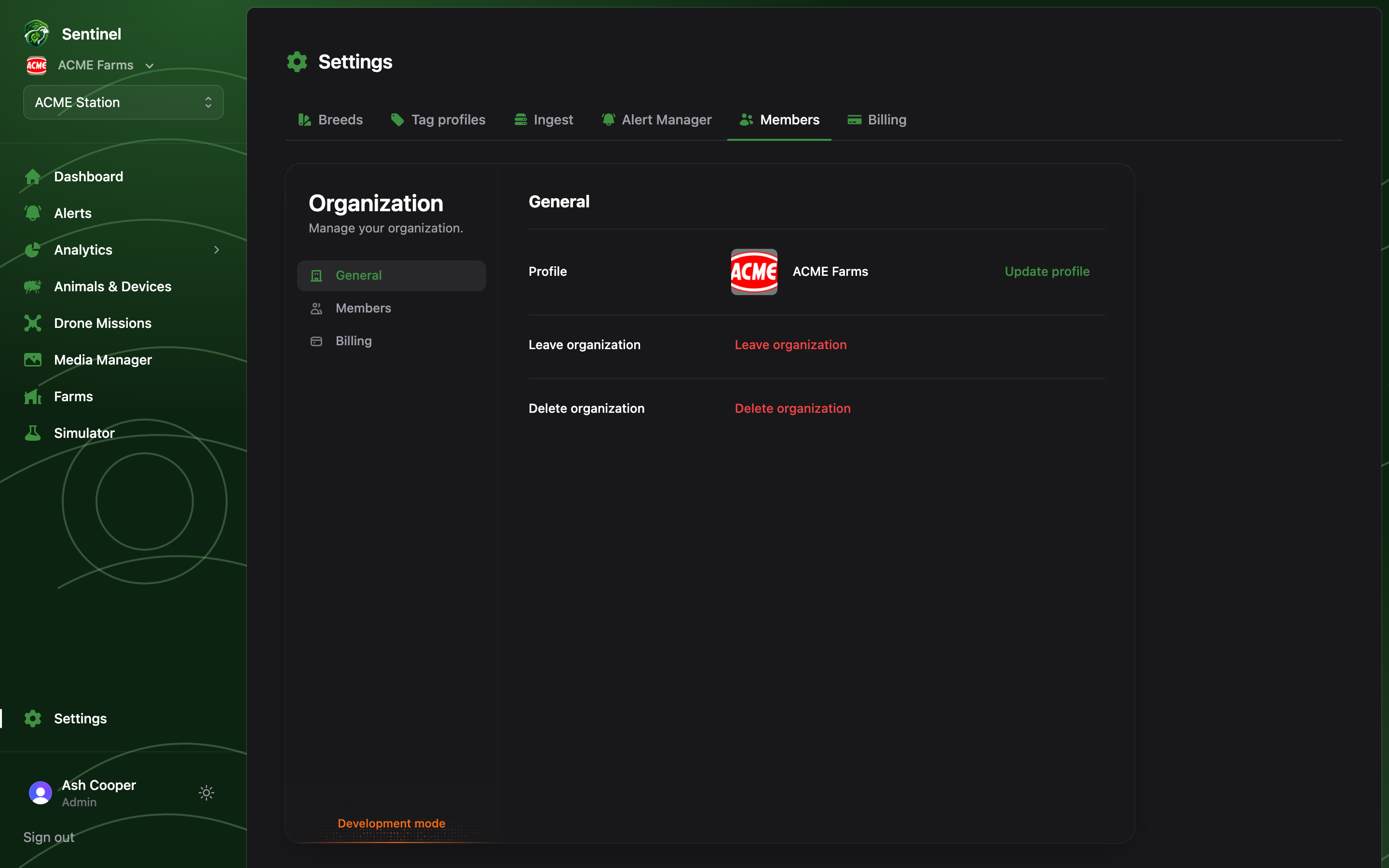
Settings → Members manages who belongs to the organisation. It embeds the organisation profile panel: the member list, pending invitations, and the organisation’s own name and logo.
Settings → Members: the organisation member list and invitation controls

Inviting someone

Invite by email address and pick their role; they receive an email link, sign up (or in), and land in the organisation. Their plan features are the organisation’s — nothing extra to license per seat.

The two roles

The working rule: Members run the farm, Admins configure the system. Day-to-day welfare work — checking the dashboard, resolving alerts, flying a mission — needs no Admin rights at all.
Keep Admins to the few people who own the setup. Every configuration surface — thresholds, boundaries, automation rules, billing — is Admin-wide; there are no per-page permissions.