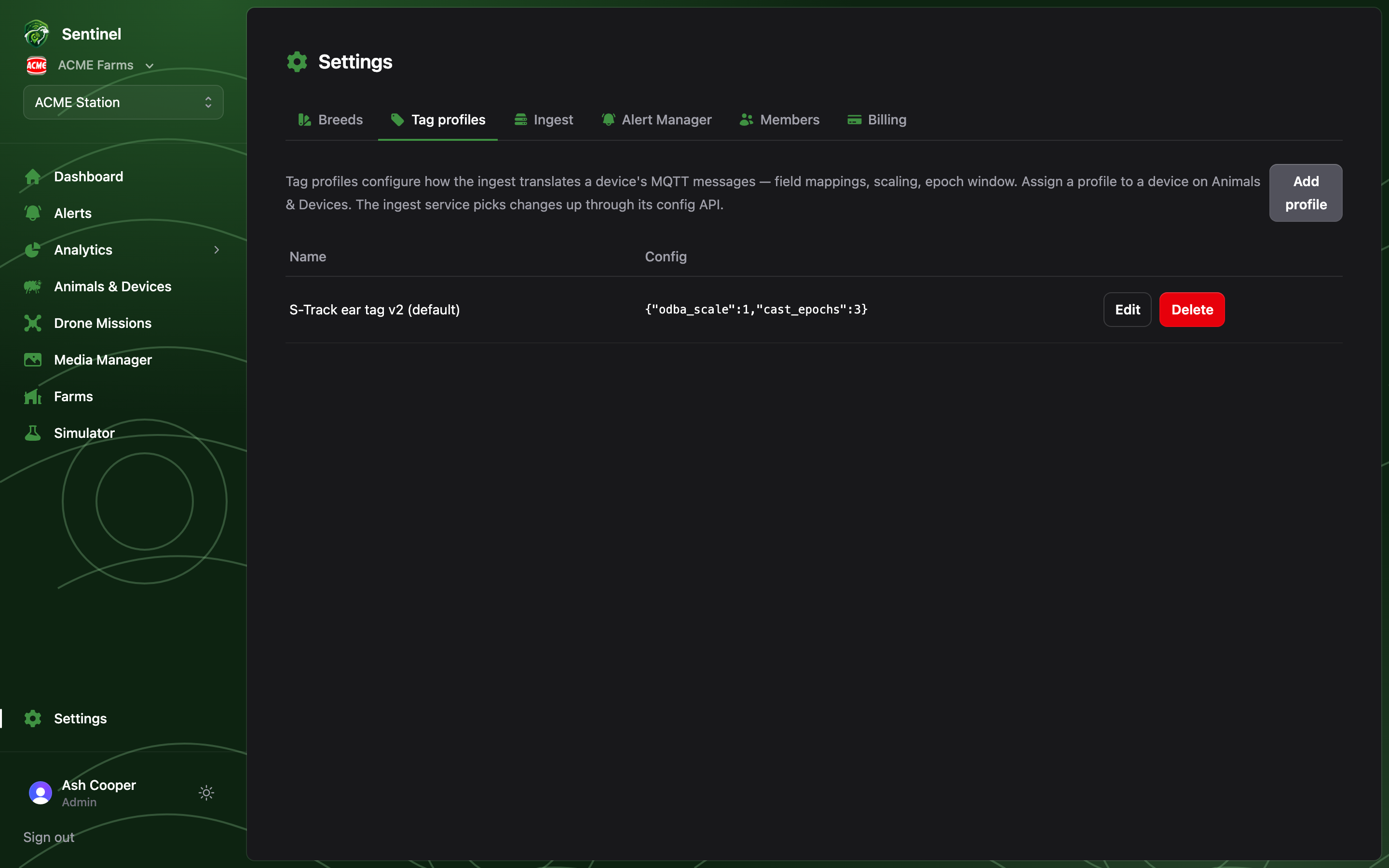
Tag profiles solve the other half of the translation problem
breeds don’t: hardware variation. Different device batches and
firmware versions report differently — field names, scaling, epoch windows — and a
tag profile tells the ingest how to read a particular device.
The config
A profile is a name plus a JSON translation config:
- fields maps the device’s payload keys onto Sentinel’s canonical ones.
- odba_scale / tilt_offset_deg correct for the hardware (these compose with the
animal’s breed settings).
- epoch_window_s is the device’s reporting window.
The editor validates JSON as you type; profiles are assigned per device on the
Devices page, and a device without one uses the
defaults.
The ingest picks profile changes up through its config API within about a minute —
no restart, no redeploy.
One profile per hardware batch is the pattern: “S-Track ear tag v2”, “Prototype
collars (Wio 1110)”. If you find yourself putting per-breed corrections in a tag
profile, they belong in Breeds instead — profiles describe the
hardware, breeds describe the animal.