

Create an account or sign in
Sentinel lives at app.sentinel.huntaway.cloud. Sign in with your email address and password, or continue with Google.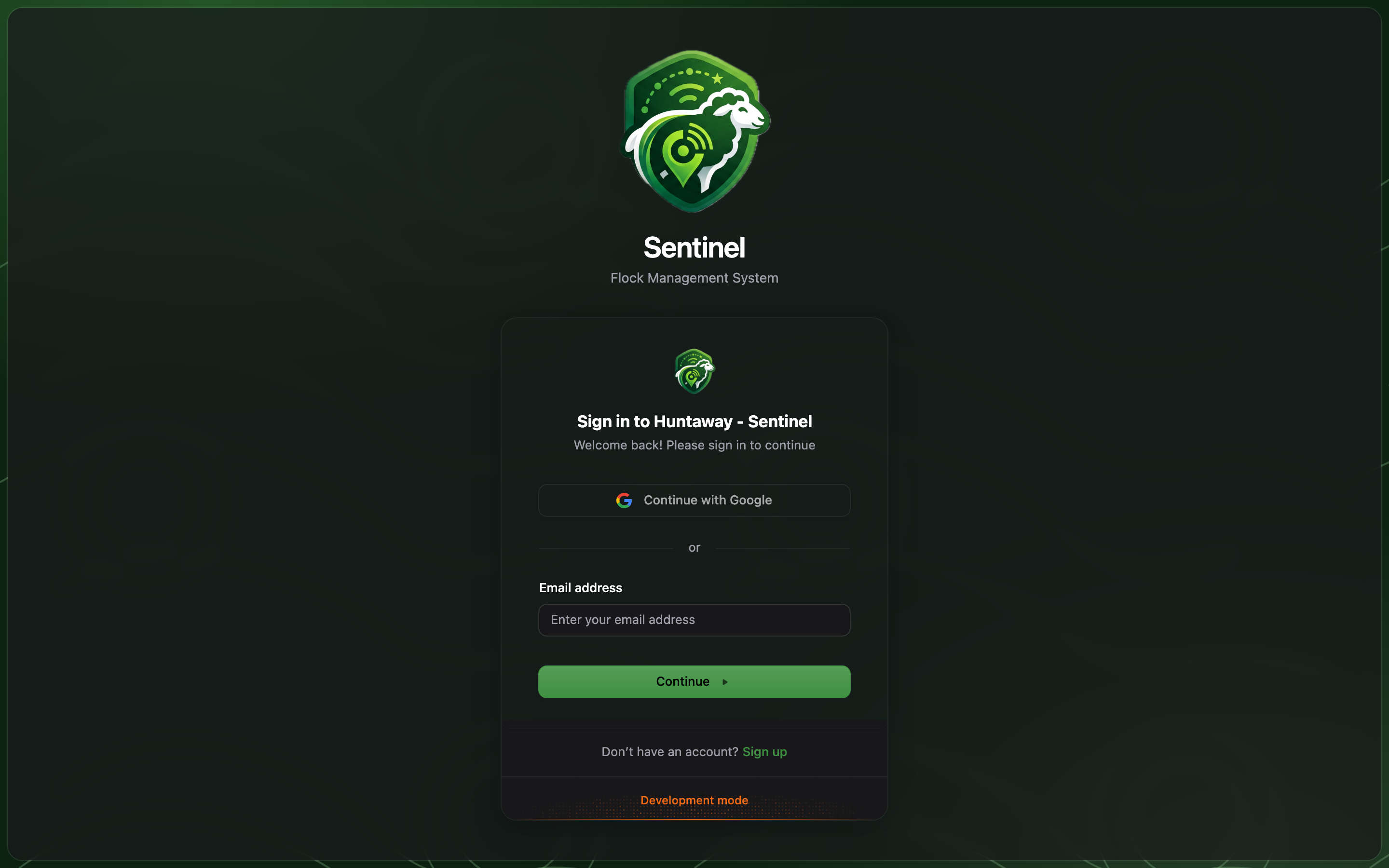
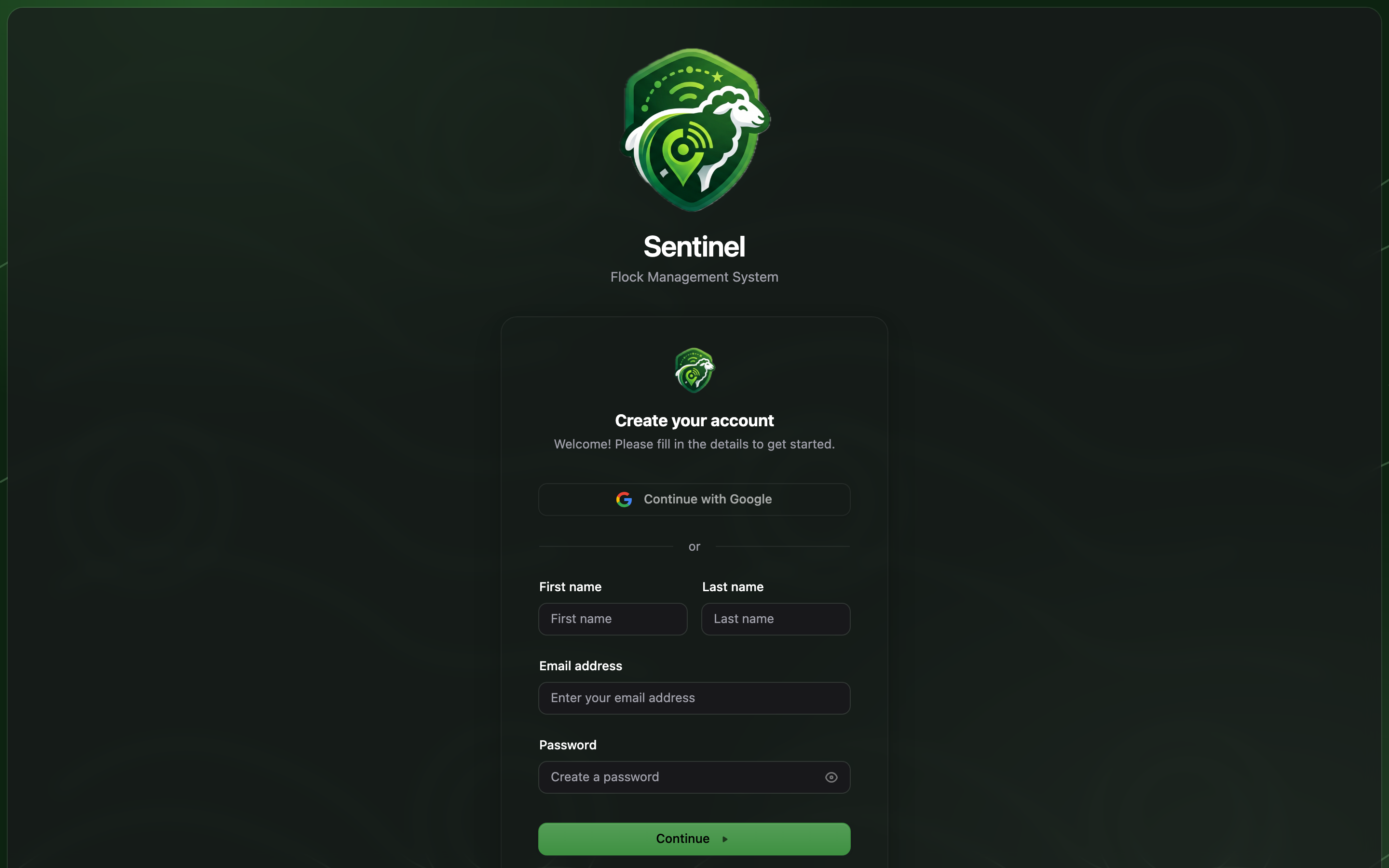
Join or create an organisation
Everything in Sentinel — farms, animals, billing — hangs off an organisation. If you signed up on your own, create one when prompted; if your farm team already uses Sentinel, ask an Admin to invite you (they do it under Settings → Members) and the organisation appears in your switcher automatically.Personal accounts are deliberately hidden: you always work inside an organisation, so
data and billing stay with the farm business rather than an individual.
The app shell
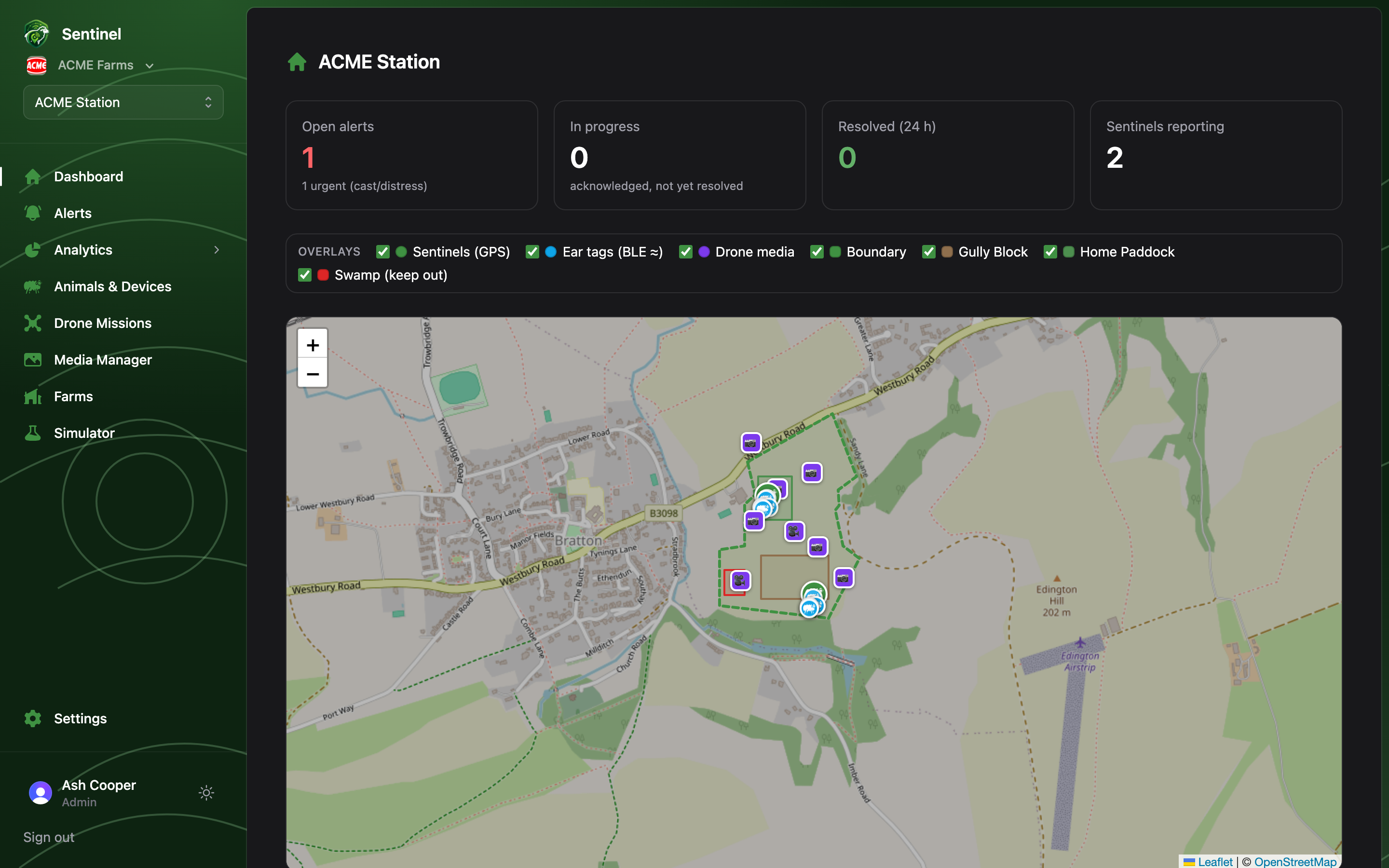
- The Sentinel mark, then the organisation switcher — switch between organisations you belong to, or create another.
- The farm switcher — organisations with more than one farm pick the active farm here; every page shows that farm’s data. (Hidden until a farm exists.)
- Navigation: Dashboard, Alerts, Analytics (a collapsible group), Animals, Devices, Drone Missions, Media Manager, Simulator — and, for Admins only, Farms and Settings. Items your plan doesn’t include are hidden.
- Your avatar and role (Admin or Member) linking to your profile, a theme toggle, and Sign out.