

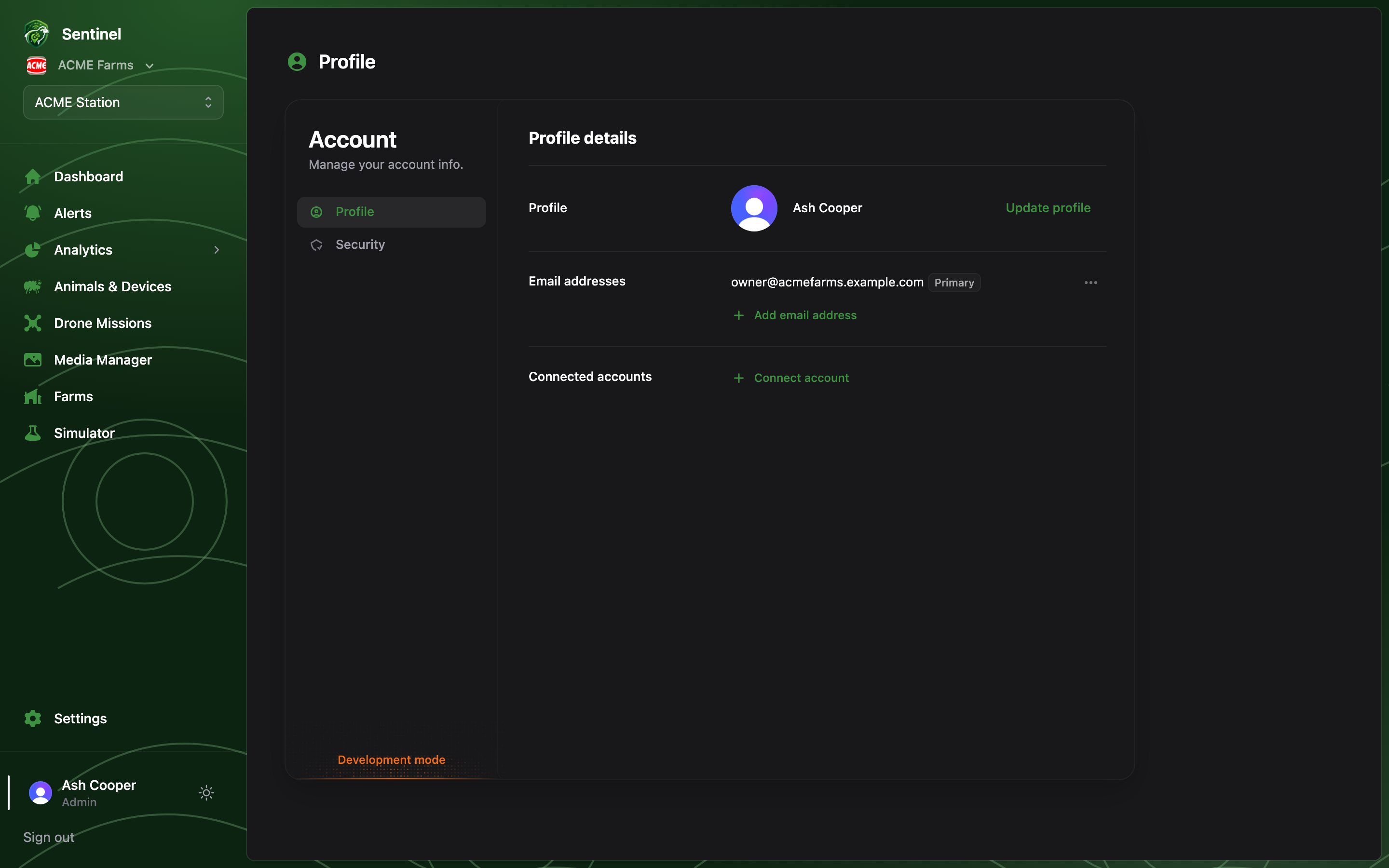
- Update your name and profile photo.
- Manage email addresses and connected accounts (e.g. Google sign-in).
- Change your password, and review or revoke active sessions on other devices under the Security tab.
Your role in the organisation (Admin or Member) is shown under your name in the
sidebar. Roles are managed by Admins under
Settings → Members — not from this page.