

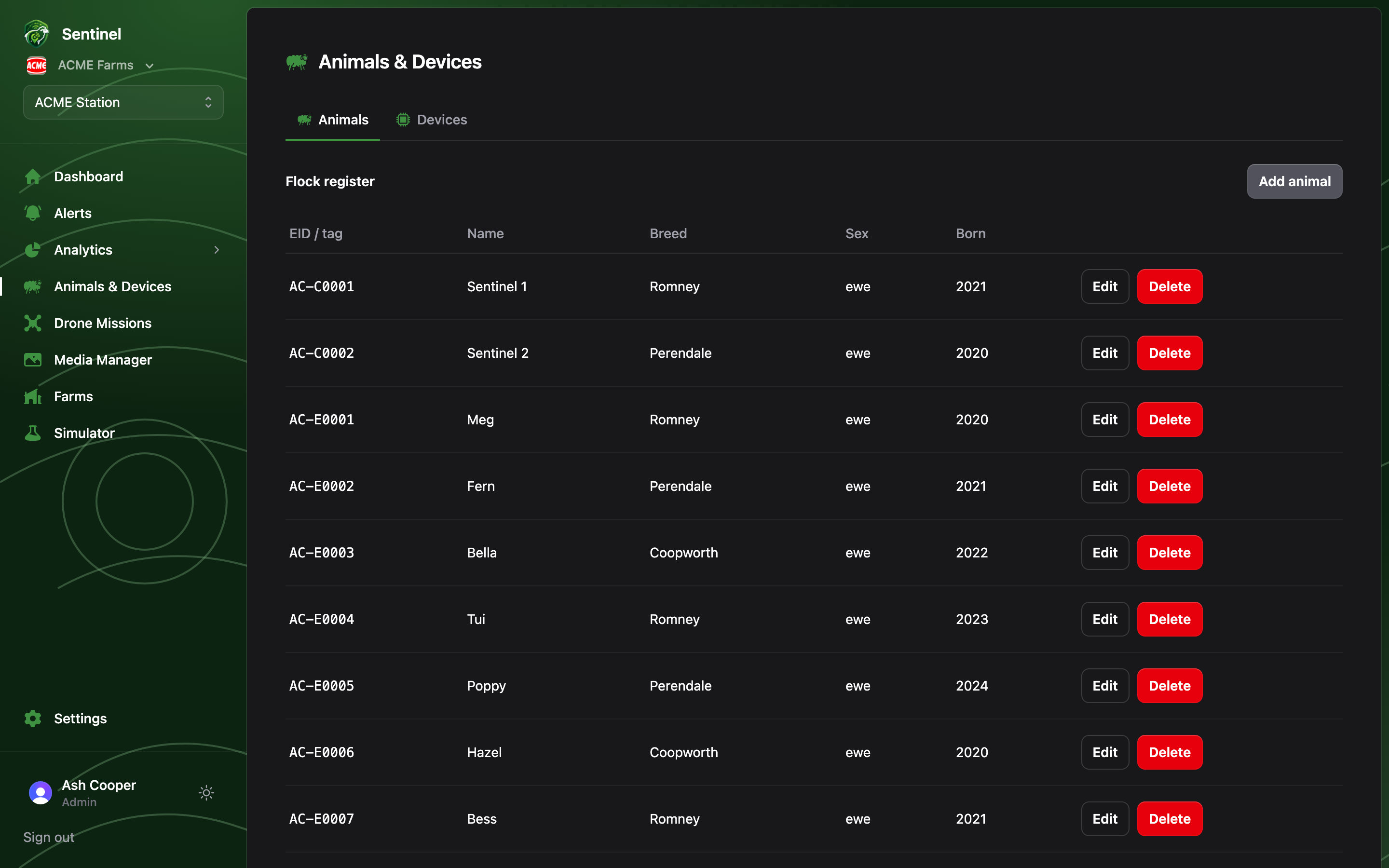
Animals is the flock register: one row per animal, independent of whatever hardware it happens to be wearing. The devices fitted to animals are managed on the Devices page.
The flock register: EID, name, breed, sex and birth year per animal

Flock register

The register lists each animal’s EID/visual tag, name, breed, sex and birth year. Members can browse; Admins can Add animal, edit and delete. The breed link matters more than it looks: breed drives the per-breed translation and cast-detection settings configured under Settings → Breeds, so an animal with the right breed set gets a better-tuned behaviour read from the same tag.

Linking an animal to its tag or collar

Animals don’t own devices; devices point at animals. Once a tag or collar has been claimed for the farm, pick the animal from that device’s row on the Devices page. Positions, activity and alerts for the device are then labelled with the animal’s EID or name everywhere else in the app.