

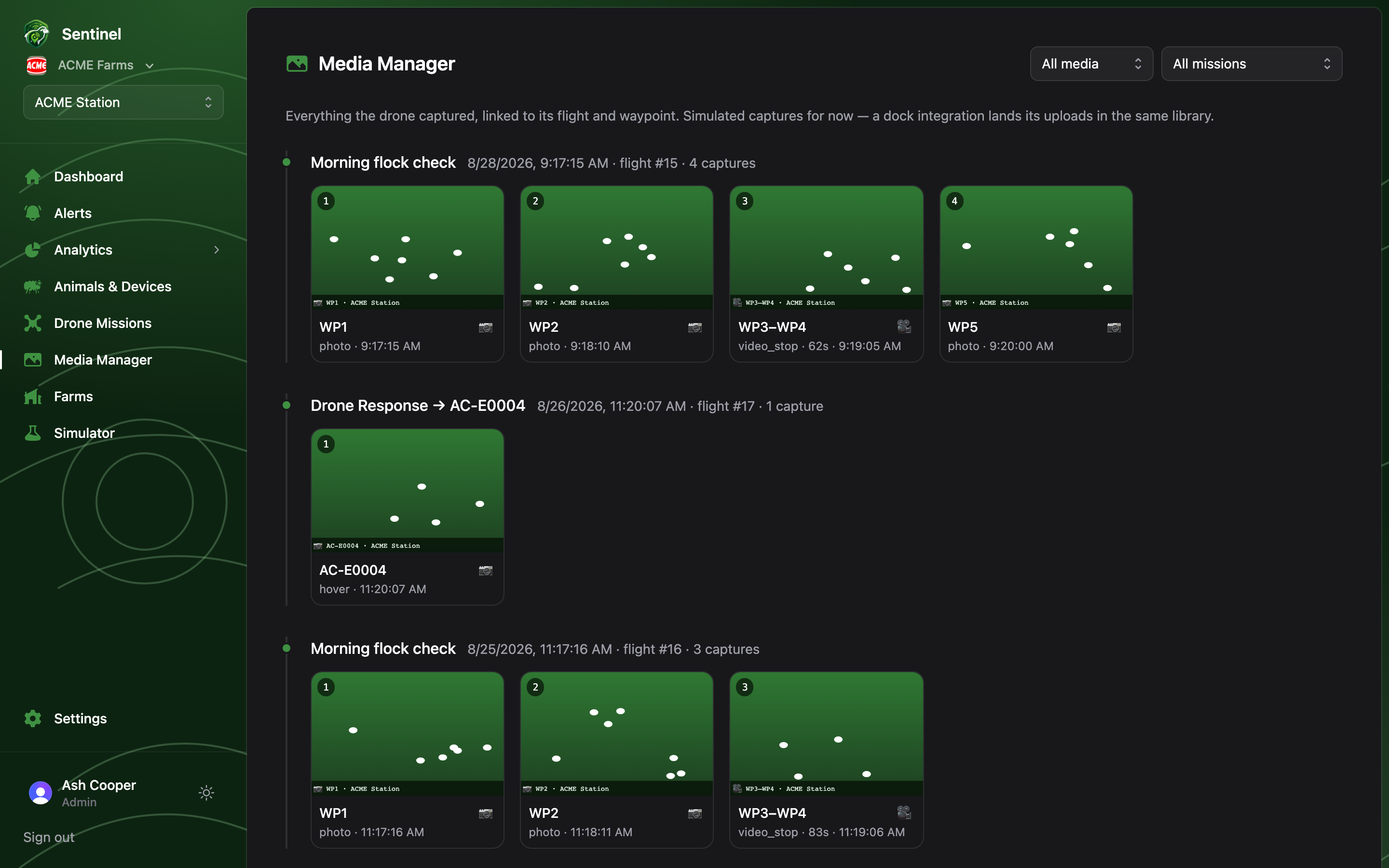
The Media Manager is the farm’s aerial photo library: every photo and video clip a drone flight captured, grouped by flight, newest first.
The Media Manager: a timeline of flights, each with its grid of capture thumbnails
Each flight section shows the mission name, when it flew and how many captures it made, with a thumbnail grid below — numbered in capture order, marked 📷 or 🎥 with the waypoint action and clip duration. Filter with the two selects at the top: by media kind (Photos / Videos) and by mission.

Viewing and downloading

Click any capture for the detail view: the full image, which flight and waypoint took it, coordinates and altitude, and the capture time. From there anyone can Download; deleting is Admin-only.
Captures come from missions whose waypoints have a photo or video action — set those up when planning the mission. Captures are simulated for now; a dock integration lands its real uploads in this same library.
Capture volume per mission — photos, clips, footage minutes, flights with media — is charted under Media Capture.