Animals & Devices is where the physical flock meets the hardware: a register of animals on one tab, the devices reporting from the hill on the other.
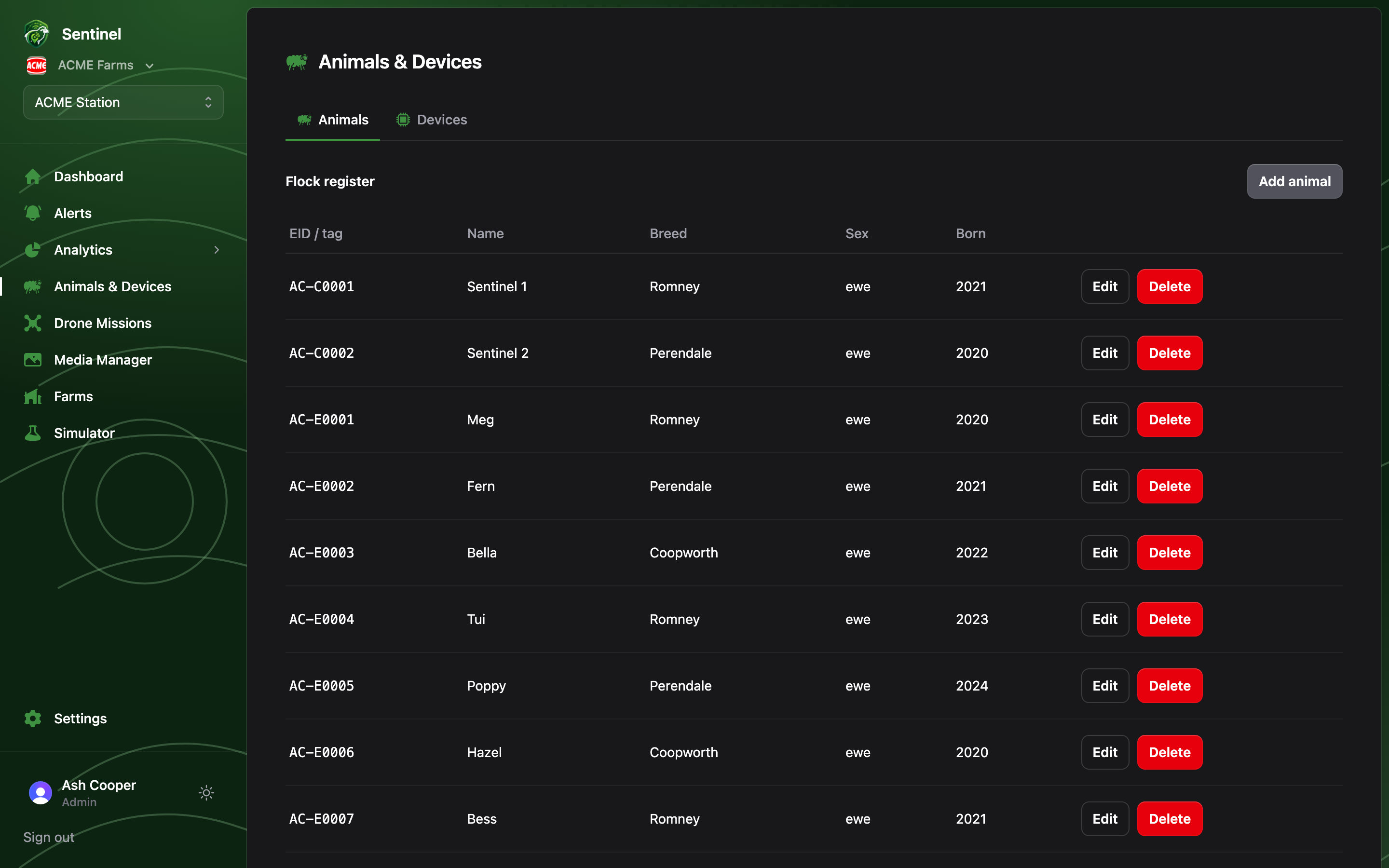
The flock register: EID, name, breed, sex and birth year per animal

Animals

The Flock register lists each animal’s EID/visual tag, name, breed, sex and birth year. Members can browse; Admins can Add animal, edit and delete. The breed link matters more than it looks: breed drives the per-breed translation and cast-detection settings configured under Settings → Breeds, so an animal with the right breed set gets a better-tuned behaviour read from the same tag.

Devices

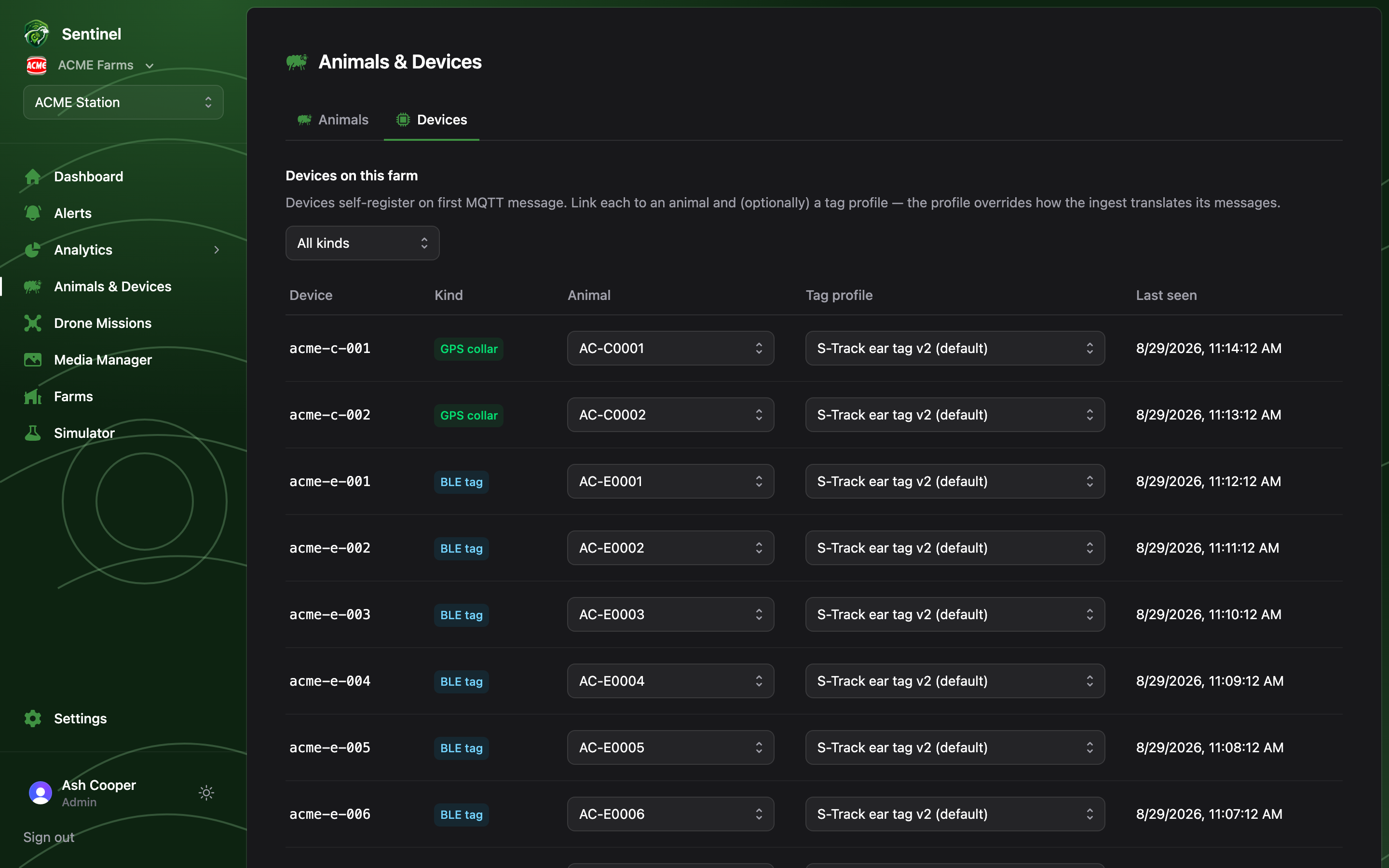
The devices tab: GPS collars and BLE tags with animal and tag-profile assignments and last-seen times
Devices self-register on their first MQTT message — nobody types in serial numbers. The tab lists every device claimed by this farm with its kind (GPS collar or BLE tag), the animal it’s linked to, its tag profile, and when it last reported. Filter by kind with the select at the top right. Admins assign devices inline: pick the animal and (optionally) a tag profile straight from the row. Members see the same table read-only.

Claiming new devices (Admin)

Fresh devices reporting over MQTT but not yet owned by any farm appear for Admins in an Unassigned devices section, with an amber counter on the tab. One click — Claim for farm — brings a device and its telemetry into the farm.
No hardware yet? The Simulator publishes a synthetic flock over the real MQTT contract — its devices show up here for claiming exactly like real collars and tags.